QUICK ANSWER
The best calculator for the Florida real estate exam is a simple, silent, hand-held, battery-operated, nonprinting calculator without an alphabetic keypad. For most candidates, a small basic calculator like the Casio HS-8VA or a pocket calculator like the TI-503SV style is enough. You do not need a graphing calculator, phone calculator, app, tablet, formula storage device, or advanced financial calculator for the Florida sales associate exam. The safest choice is boring: basic arithmetic, percent, square root, sign change, memory, and keys you have practiced with before test day.
IMPORTANT MODEL NOTE
DBPR Bureau of Education and Testing sets the calculator rules; Pearson VUE administers the exam and inspects devices at check-in. Neither publishes a public model-by-model shopping list. The model examples below are practical examples checked against official manufacturer pages, not official endorsements. If a listed model is unavailable, choose any basic calculator that satisfies the rule and practice with it before exam day.
The Florida real estate exam calculator question is not really about finding the most powerful calculator.
It is about avoiding a small test-day problem.
If the test center rejects your calculator, you do not want that moment to become the emotional start of your exam. If your calculator has buttons you barely know, you do not want to waste time clearing entries, fighting memory functions, or second-guessing decimal placement.
The best calculator is the one that satisfies DBPR's rule, feels familiar in your hand, and does not distract you from the actual task: setting up Florida real estate math correctly.
MATH WITHOUT THE PANIC
The calculator does arithmetic. You still choose the setup.
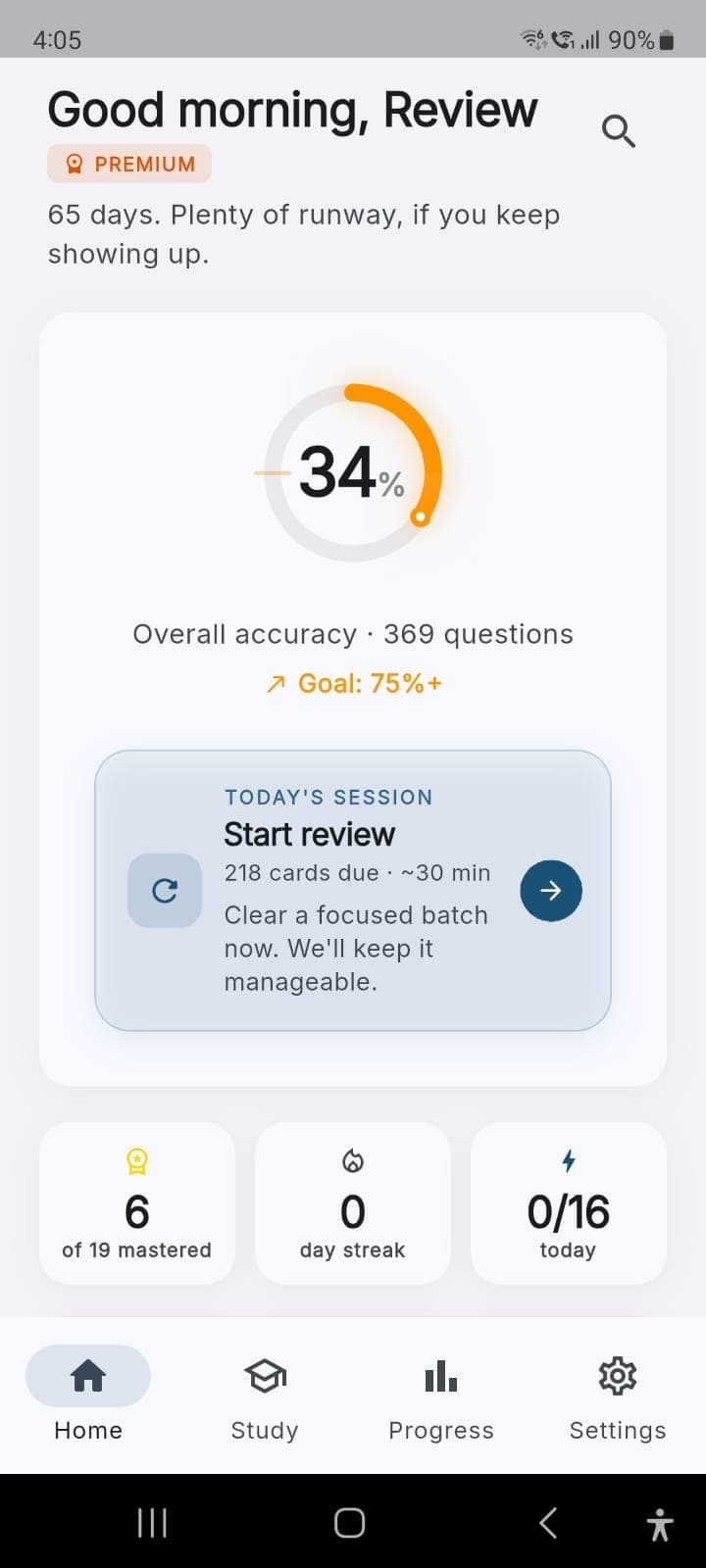
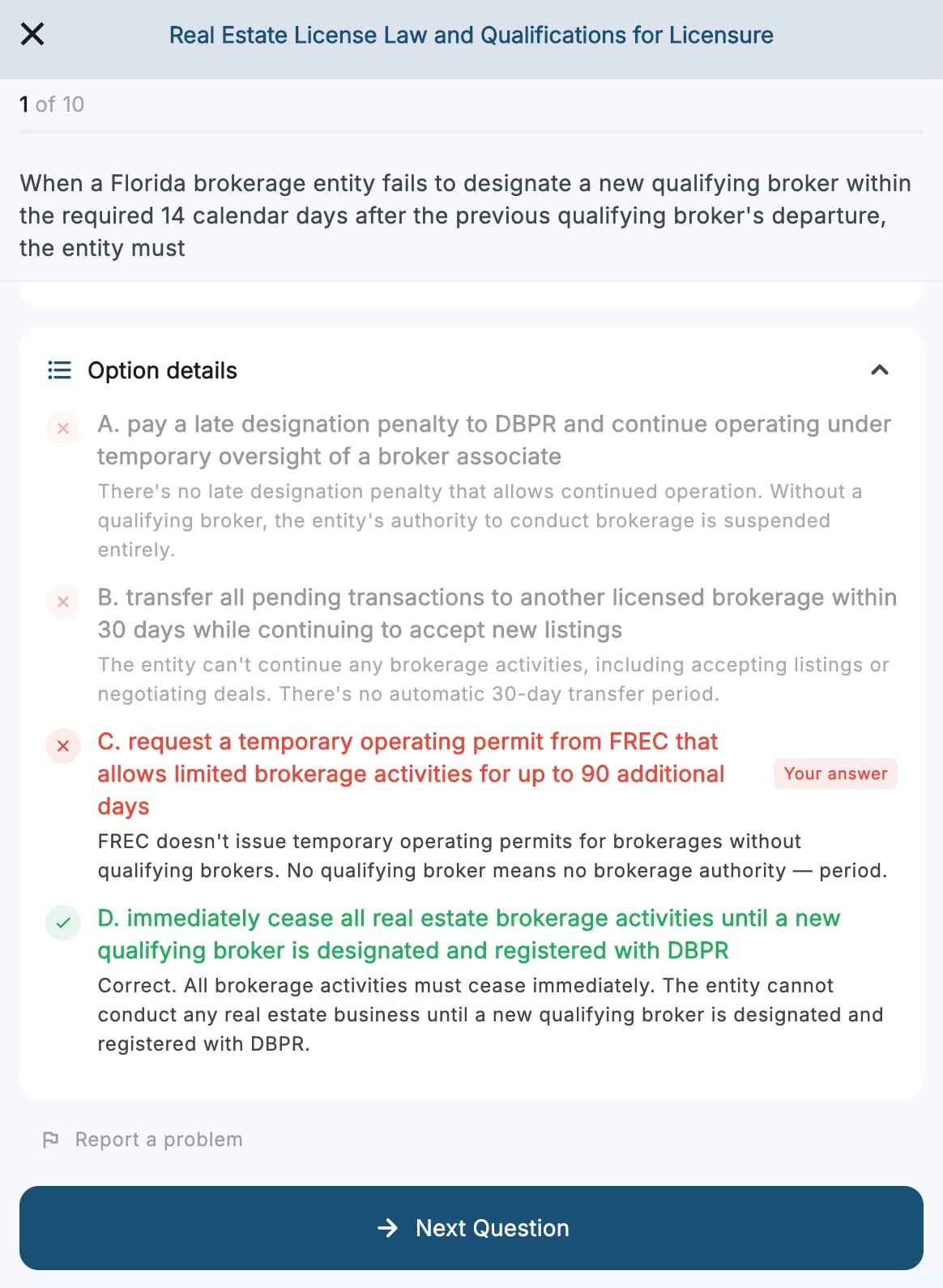
Pass Florida is an educational exam-prep tool for Florida sales associate candidates: 1,002 Florida-specific practice questions, a 19-topic diagnostic, six modes, Math Coach across the 10 Florida math archetypes, Trap Library, Confidence Calibration, offline app access on phone or tablet, optional sync, lifetime updates, and one $39.99 purchase. No subscription. No copied exam questions.
What this guide covers
- The official calculator rule
- What the calculator rule actually is
- Best calculator type
- Quick buying checklist
- Recommended calculator examples
- What not to bring
- What to do if your calculator is rejected
- The financial calculator caveat
- Calculator features that actually matter
- How to practice with it
- Exam-day routine
- FAQ
The official calculator rule
The Florida Department of Business and Professional Regulation (DBPR) Candidate Information Booklet for the Real Estate Sales Associate Examination says calculators are only permitted at test centers.
The booklet says calculators must be:
- Silent
- Hand-held
- Battery-operated
- Nonprinting
- Without an alphabetic keypad
That is the core rule.
The same DBPR booklet also says the exam is closed book and that reference materials are not allowed in the test room. No written material other than what is issued at the time of testing is permitted.
So yes, you can bring a calculator that meets the rule.
No, you cannot bring a formula sheet.
No, you cannot use your phone.
No, you cannot bring notes about doc stamps, proration, cap rate, millage, or closing math.
The calculator helps you multiply and divide. It does not replace knowing which number belongs in the formula.
What the calculator rule actually is
There is no "Pearson VUE approved calculator." That phrase is just how people search for the rule.
Pass Florida is an independent study resource. It is not affiliated with, endorsed by, or approved by Pearson VUE or DBPR. The rule that governs the exam is set by the Florida Department of Business and Professional Regulation (DBPR) and published in its Candidate Information Booklet. Pearson VUE administers the exam and inspects devices at the test center, but it does not publish a public Florida real estate calculator list that says "buy this exact model."
For the Florida real estate sales associate exam, the practical standard is:
- The calculator fits DBPR's published rule.
- The calculator is inspected and allowed by test-center staff.
- The calculator does not create a security concern.
That means the safest choice is the least interesting one.
Bring a simple basic calculator. Practice with it. Keep it clean. Make sure the battery works. Do not bring a device that looks like it can store text, formulas, programs, or communication.
If your calculator is borderline, the test center is not the place to debate it.
The best calculator type for the Florida exam
For most Florida real estate candidates, the best calculator is:
| Feature | Why it matters |
|---|---|
| Basic four-function keys | Addition, subtraction, multiplication, and division handle most exam math |
| Percent key | Useful for commission, LTV, down payment, and tax-rate problems |
| Square root key | Useful if you want a little extra flexibility, though most Florida exam math does not require advanced functions |
| Sign-change key | Helpful for clearing or correcting negative entries |
| Memory keys | Optional, useful for multi-step problems if you already know how to use them |
| Battery or dual power with battery backup | DBPR says battery-operated, so do not rely on solar-only |
| Large enough buttons | Prevents miskeys under pressure |
| No printing tape | Printing calculators do not fit the rule |
| No alphabetic keypad | Avoids security problems |
The best answer is not a graphing calculator.
The best answer is not the calculator app on your phone.
The best answer is not a calculator you bought the morning of the exam.
The best answer is the same simple calculator you used while drilling Florida math for a week.
Quick buying checklist
If you are standing in a store or comparing two calculators online, use this checklist.
| Check | Safe answer |
|---|---|
| Silent | No beeps, sounds, or printing noise |
| Hand-held | Small enough to hold and use at your desk |
| Battery-operated | Battery-powered or dual-power with working battery backup |
| Nonprinting | No paper tape and no printed output |
| No alphabetic keypad | No QWERTY keyboard and no obvious text-entry keypad |
| Basic math keys | Addition, subtraction, multiplication, division, decimal, clear |
| Percent key | Helpful for commission, down payment, tax, and LTV problems |
| Familiar layout | You can clear, re-enter, and correct numbers without thinking |
The safest shopping rule is simple: if the calculator looks like it could store words, programs, formulas, notes, or communication, skip it.
Recommended calculator examples
These are practical examples, not official endorsements by DBPR, Pearson VUE, Casio, Texas Instruments, or Pass Florida. The official Casio HS-8VA and Texas Instruments TI-503SV product pages were live when this post was verified on May 28, 2026, but retail availability can change. Do not chase an exact model if it is discontinued, overpriced, or hard to find. Buy a simple compliant calculator and verify the current DBPR candidate booklet before exam day.
| Calculator | Best for | Why it works for many candidates | Watch-out |
|---|---|---|---|
| Casio HS-8VA style basic calculator | Best overall simple pick | Portable, 8-digit display, basic calculation, percent, square root, sign change, memory, and solar plus battery power according to Casio's product page | Confirm the battery backup works before test day |
| TI-503SV style pocket calculator | Best for larger keys | Texas Instruments describes it as a pocket calculator with a large display, roomy keyboard, well-spaced rubber keys, sign-change key, battery power, and automatic power down | Confirm the exact model has the keys you want before buying |
| Store-brand basic calculator | Best budget backup | If it is silent, hand-held, battery-operated, nonprinting, and has no alphabetic keypad, it can be enough | Avoid solar-only, printing, desktop, or oversized models |
| Calculator you already used in practice | Best confidence pick | Familiarity matters more than brand | Only use it if it clearly fits the DBPR rule |
If you are buying one today, choose the simplest option with a percent key and a battery.
Do not over-optimize this.
A calculator will not save a weak setup. It will only make a correct setup faster.
What not to bring
Avoid anything that creates a test-center conversation.
Do not bring:
- Phone calculator
- Smartwatch
- Tablet
- Laptop
- Graphing calculator
- Printing calculator
- Calculator with paper tape
- Calculator with stored formulas or text
- Calculator with an alphabetic keyboard
- Calculator app on any device
- Calculator that beeps loudly
- Calculator you cannot clear quickly
- Calculator with a weak or unknown battery
Also do not bring a formula sheet into the room. DBPR's booklet says this is a closed-book examination and that reference materials are not allowed.
The cleanest plan is to bring one basic calculator that meets the rule and nothing extra.
What to do if your calculator is rejected
If test-center staff rejects your calculator, stay calm.
That moment is annoying, but it should not become the first wrong answer of the exam.
Use this order:
- Ask whether the issue is the calculator type, battery condition, size, noise, or security concern.
- Do not argue over whether a model should be allowed.
- Ask whether the test center has any permitted procedure or option available.
- If you must continue without your calculator, use scratch work, estimation, and careful setup on the easier math items.
- If you believe there was a procedural issue, raise it through the proper channel after the exam.
The better plan is prevention: bring a boring compliant calculator, check the battery, and use the same calculator during practice.
The financial calculator caveat
DBPR's sales associate booklet contains a confusing-looking calculator note.
It says calculators must be without an alphabetic keypad. It also says financial calculators with an alpha button are allowed, including examples like HP 12, HP 17, HP 18, HP 19, TX Inst. BA Series, and Calculated Industries Qualifier Plus. It then says the device cannot be an information storage device such as a PDA, Palm Pilot, or word-processing device.
Here is the practical reading for a Florida sales associate candidate:
| If you are thinking about bringing... | Recommendation |
|---|---|
| A basic four-function calculator | Safest path |
| A financial calculator you already use well | Verify the current CIB and call Pearson VUE or DBPR if uncertain |
| A graphing calculator | Avoid it |
| A programmable calculator | Avoid it |
| A device that can store text, formulas, or programs | Avoid it |
You do not need a financial calculator for the Florida sales associate exam.
The math is mostly commission, prorations, documentary stamps, intangible tax, property tax, LTV, down payment, cap rate, GRM, depreciation, area, and acreage. Those are setup questions, not finance-calculator questions.
Calculator features that actually matter
The Florida exam does not reward fancy calculator features.
It rewards clean setup.
Here is what your calculator needs to handle:
| Florida math task | Calculator action |
|---|---|
| Commission | Sale price x rate, then split |
| LTV | Loan amount / value |
| Down payment | Sale price x down payment percent |
| Documentary stamps | Sale price or loan amount / 100 x tax rate |
| Intangible tax | Loan amount x 0.002 |
| Proration | Annual amount / days x owned days |
| Millage | Taxable value / 1,000 x mills |
| Cap rate | NOI / value |
| Value from cap rate | NOI / cap rate |
| GRM | Sale price / gross rent |
| Depreciation | Depreciable value / useful life |
| Area | Length x width, then convert if needed |
That is mostly multiplication and division.
The hard part is not the arithmetic. It is choosing the correct base.
If a question asks for documentary stamps on the deed, the sale price matters. If it asks for documentary stamps on the note, the loan amount matters. If it asks for commission after the associate split, the total commission is not the final answer.
Your calculator cannot fix a base error.
How to practice with your calculator
Use the calculator you plan to bring before exam day.
Do not wait.
Practice these habits:
- Clear the calculator before every problem.
- Label the numbers on scratch work before calculating.
- Estimate the answer before choosing an option.
- Re-read the question after calculating.
- Check whether the question asks for buyer, seller, broker, associate, loan, sale price, tax, or value.
- Write down every math miss in one sentence.
- Redo missed math questions 24 hours later.
The best calculator routine is boring.
Read. Label. Set up. Calculate. Check the ask.
If you panic when numbers appear, start with Florida real estate exam math if you are bad at math. Then move to Florida real estate exam math formulas for the full formula map.
Exam-day calculator routine
Use this checklist.
Seven days before
- Choose the calculator.
- Confirm it fits DBPR's rule.
- Replace or check the battery.
- Use it for every math drill.
- Practice clearing entries quickly.
The night before
- Put the calculator with your IDs and course certificate.
- Do not put formula notes with it.
- Do not switch to a new calculator.
- Do 10 light math setups, then stop.
At the test center
- Let staff inspect the calculator.
- Accept their decision calmly.
- Ask procedural questions before the exam begins.
- Use the tutorial time to settle in.
- Tell the proctor during the exam if equipment creates a procedural issue.
Do not let the calculator become the story of your exam day.
It should be a small tool, not the main event.
Best calculator verdict
For most Florida real estate sales associate candidates, the best calculator is a simple basic calculator with a battery, percent key, clear display, and no alphabetic keypad.
My practical pick: a Casio HS-8VA style basic calculator or a TI-503SV style pocket calculator.
But the model matters less than the rule:
Silent. Hand-held. Battery-operated. Nonprinting. No alphabetic keypad. Familiar before exam day.
If you are deciding between a simple calculator you know and a more advanced calculator you barely understand, take the simple one.
Frequently Asked Questions
Can I bring a calculator to the Florida real estate exam?
Yes, if it meets DBPR's rule. The Candidate Information Booklet says calculators are only permitted at test centers and must be silent, hand-held, battery-operated, nonprinting, and without an alphabetic keypad.
What calculator is best for the Florida real estate exam?
A simple basic calculator is best. Choose one with addition, subtraction, multiplication, division, percent, clear keys, and a battery. A Casio HS-8VA style calculator or TI-503SV style calculator is enough for most candidates.
Is there an official Pearson VUE calculator list?
I did not find a public Florida real estate model-by-model calculator list from Pearson VUE. The official rule is the DBPR test-center rule published in the Candidate Information Booklet; Pearson VUE staff inspect devices at check-in. The proctor or test-center staff has the final practical say at check-in.
Can I use my phone calculator?
No. Phones and electronic transmitting devices are not allowed in the examination room. Do not plan to use a phone, smartwatch, tablet, or calculator app.
Can I use a graphing calculator?
Do not bring a graphing calculator. Even if it can do the arithmetic, it creates unnecessary security risk because graphing calculators often store text, programs, formulas, or other information.
Can I use a financial calculator?
DBPR's booklet says certain financial calculators are allowed, but most sales associate candidates do not need one. If you want to use a financial calculator, verify the current CIB and contact Pearson VUE or DBPR if you are unsure. A basic calculator is the safer choice.
Do I need square root for the Florida real estate exam?
Usually not for the core math families, but a square root key is harmless on a basic calculator if the model otherwise fits DBPR's rule. Percent, multiplication, division, and clear keys matter more.
Is a solar calculator allowed?
DBPR says battery-operated. A dual-power calculator with battery backup is generally a safer choice than solar-only. Confirm the battery works before test day.
Will Pearson VUE provide a calculator?
Do not depend on that unless your Pearson VUE account or test center instructions say so. DBPR's Florida booklet tells candidates what calculators may be brought to test centers. Bring a basic calculator that meets the rule if you want control over the tool.
Should I bring two calculators?
One compliant calculator is usually enough. If you bring a backup, it must also satisfy DBPR's rule and test-center staff may inspect or reject either device. Do not bring a collection of devices. That only creates more check-in friction.
Can I bring a formula sheet with my calculator?
No. The exam is closed book. DBPR's booklet says reference materials are not allowed and no written material other than what is issued at the time of testing is permitted.
What math should I practice with the calculator?
Practice commission, LTV, down payment, documentary stamps, intangible tax, proration, millage, cap rate, GRM, depreciation, area, acreage, and seller-net style calculations. The math formulas guide covers the full set.
Bottom line
You do not need an expensive calculator for the Florida real estate exam.
You need a compliant calculator and a calm setup routine.
Pick a silent, hand-held, battery-operated, nonprinting calculator without an alphabetic keypad. Practice with it before exam day. Learn the Florida math families. Label before calculating. Then use the calculator for what it is good at: clean arithmetic after you already know the setup.
Ready to train Florida math setup, not just arithmetic?
A compliant calculator only helps if you can identify the correct base, formula, and final-answer-being-asked. That recognition is built by drilling Florida-style scenarios, not by buying a better device.
Pass Florida is an educational exam-prep tool for Florida sales associate candidates: 1,002 Florida-specific practice questions, a 19-topic diagnostic, six modes, Math Coach across the 10 Florida math archetypes, Trap Library, Confidence Calibration, offline access, optional sync, lifetime updates, and one $39.99 purchase. No subscription. No copied exam questions.
Try the free math drill | Read the math formulas guide | Download Pass Florida
Methodology
This guide was written and verified on May 28, 2026 using DBPR's current Candidate Information Booklet for the Real Estate Sales Associate Examination (the verbatim calculator-rule paragraph: silent, hand-held, battery-operated, nonprinting, without an alphabetic keypad; financial calculators with an alpha button allowed including HP 12, 17, 18, 19, TX Inst. BA Series, and Calculated Industries Qualifier Plus; no information storage devices like PDA, Palm Pilot, or word-processing device), Pearson VUE's Florida Real Estate testing page and fact sheet (which direct candidates to the DBPR booklet for examination rules), DBPR's Candidate Information Booklets page, Casio's HS-8VA product page, and Texas Instruments' TI-503SV product page.
The core checks were the official calculator restrictions, closed-book rule, test-center-only calculator language, prohibited personal items, Florida math topics in the DBPR outline, basic calculator model features, and whether the example calculator product pages were still live on official manufacturer sites. Product examples are practical references, not official DBPR or Pearson VUE endorsements.
Product note. Pass Florida is our Florida-specific exam prep app. This page references our own product, so the relationship is direct and disclosed. We do not claim to use copied exam questions, promise passage, or replace official DBPR, Florida Real Estate Commission (FREC), Pearson VUE, testing-center, course-provider, brokerage, or professional guidance.
This post is educational content for Florida real estate exam candidates. It is not legal, testing-center, official DBPR guidance, official Pearson VUE guidance, a product endorsement, or a retailer availability guarantee. Calculator rules, model availability, and test-center practices can change. Always verify the current DBPR Candidate Information Booklet and your Pearson VUE instructions before exam day.
All information verified May 28, 2026.
**Primary-source verification (June 5, 2026):** The calculator policy was confirmed verbatim against the DBPR Candidate Information Booklet for the Real Estate Sales Associate Examination (calculators must be silent, hand-held, battery-operated, nonprinting, and without an alphabetic keypad; financial calculators with an alpha button are allowed, including HP 12/17/18/19, TX Inst. BA Series, and Calculated Industries Qualifier Plus). The calculator policy is set by DBPR Bureau of Education and Testing, not Pearson VUE; the Pearson VUE fact sheet contains no separate approval list and directs candidates to the DBPR booklet. There is no Pearson VUE approved calculator standard. The Casio HS-8VA and TI-503SV product pages were live and matched the features described. Confirm the current booklet before your exam.